 Prev Next Prev Next  |
 Print
Print
All fields and sections of a template are actually represented by common Sitecore Items. The Template Editor allows you to treat sections and fields in just the same way as the Content Editor treats content Items.
Accessing the Template Editor
Template field properties are edited in the Template Editor, which is accessed in one of the following ways:
Method 1:
-
Start Template Manager (Sitecore» Template Manager);
- Doubleclick on a template – it will be opened in the Template Editor;
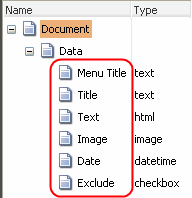
Expand the Data section in the Item tree on the left. You will see the list of fields of the Data template section.
Method 2:
- Select an item in the Content Editor;
Navigate to the Template section and select Edit Template.
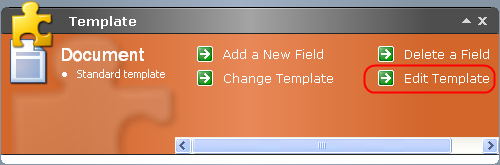
- Template Editor will start.
Adding a field
To add a field via the Template Editor:
-
Choose the section you want to add a field to.
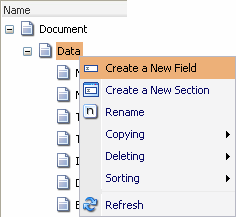
- Right-click on it and select Create a New Field
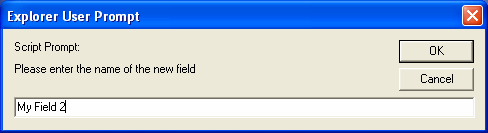
3. Enter the name of the new field and click OK.
The same result can be achieved by selecting a section and clicking Create a New Field button on the Toolbar
( ).
).
Prev Next